Majd Sawaf
Reloading Cisco Router
Basic Cisco network topology. Clearing all router configuration and starting from scratch. It’s very simple!

Viewing all current configurations on the router. The ‘show running-config’ command is used to show us what is currently configured.

The hostname and IP domain lookup have been configured.

An IP address and subnet have been configured on G0/0/0.

You must first enable the router by typing the ‘enable’ or ‘en’ command.

Enter the command: ‘erase startup-config’.

While you’re in there, enter ‘reload’ and then press Enter.


There you are. The router has been restored to its default settings. The ‘System Configuration Dialog’ is what you see during the initial boot.

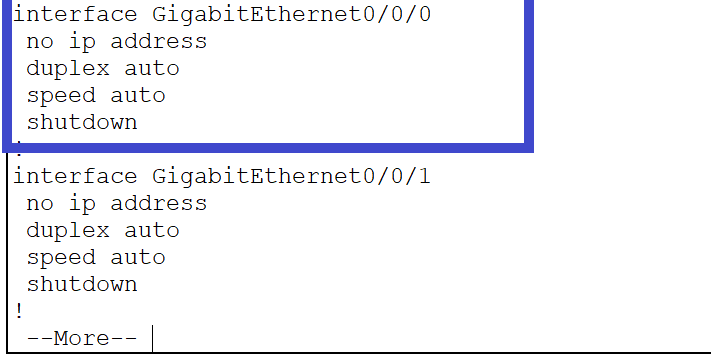
If you enter ‘show running-config’ again, you will notice there are no current configurations in place.