
Majd Sawaf
Download & install the latest Cisco Packet Tracer 8.2.1
Head to https://www.netacad.com/courses/packet-tracer.

You will need an account to sign in. Once your account is set up you are then ready to download and install Cisco Packet Tracer.

You will need to accept the agreement to proceed with the installation.
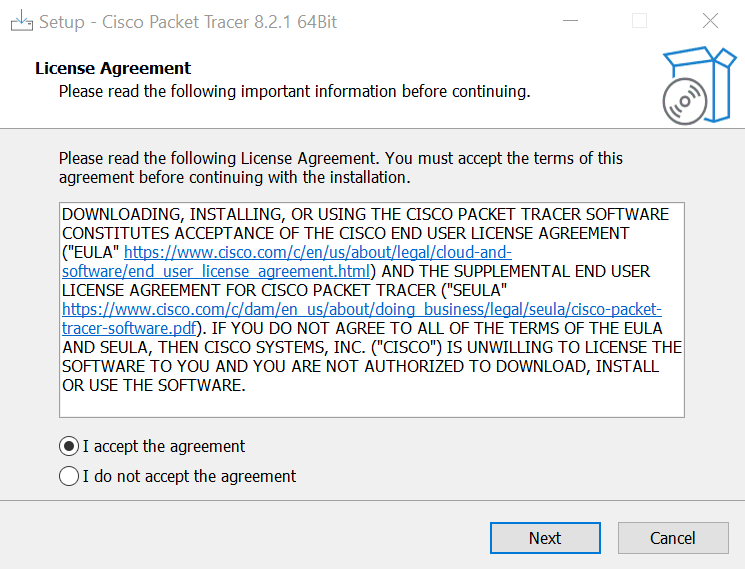
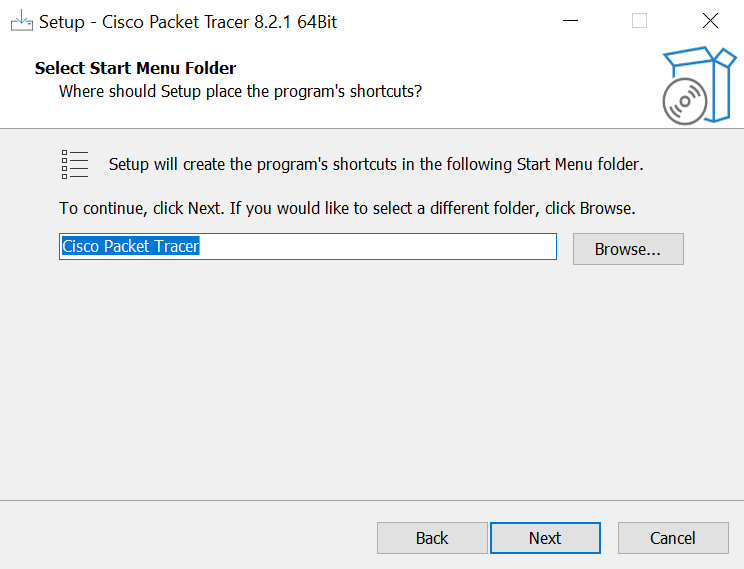
After the License Agreement, it is recommended you stick with the default options of the installation.

Select the folder for the installation.
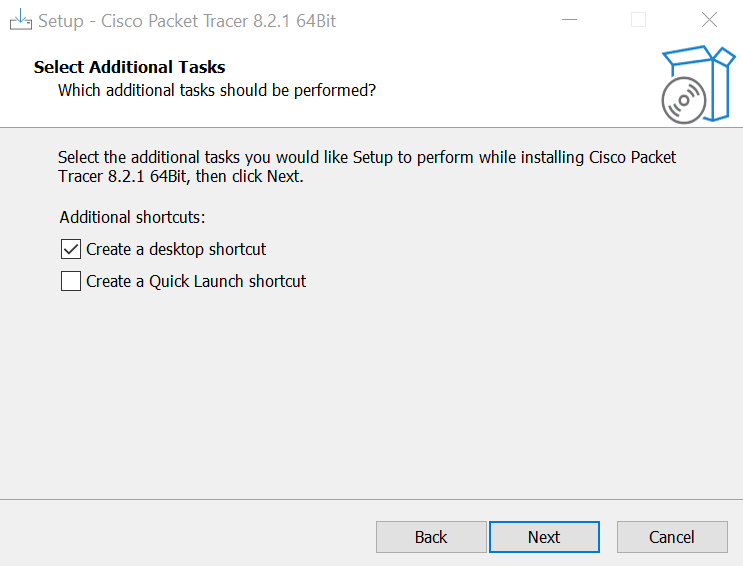
Desktop shortcut option.
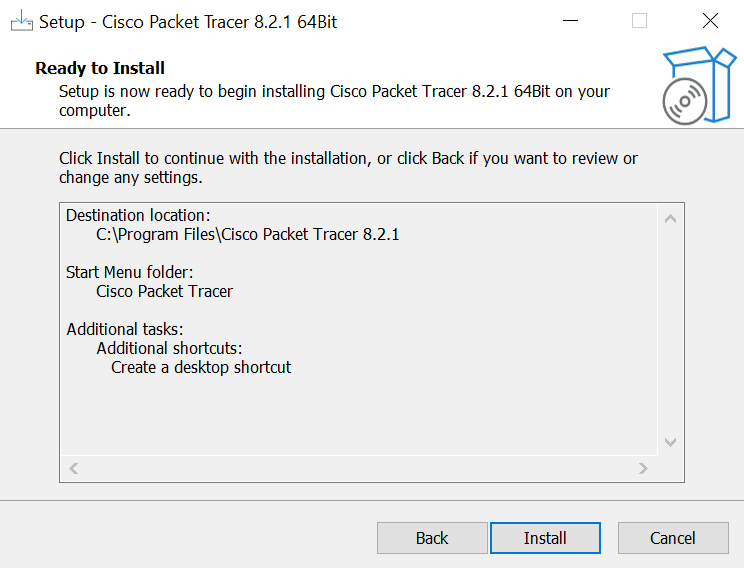
Finally click install.
Completion of installation.

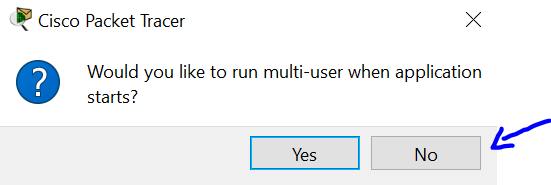
Multi-user application is multiple connections in Packet Tracer. Packet Tracer is not designed that way. Recommended option is No.
And there you have it.

From Help, select About and check your version.
