Majd Sawaf
The router needs to be configured before it gets used. Therefore choose PC, router and console cable. Click PC and choose RS 232, click router and choose Console. Console port is how we access and manage the device.

Click on the PC, click on Desktop at the top and choose Terminal.
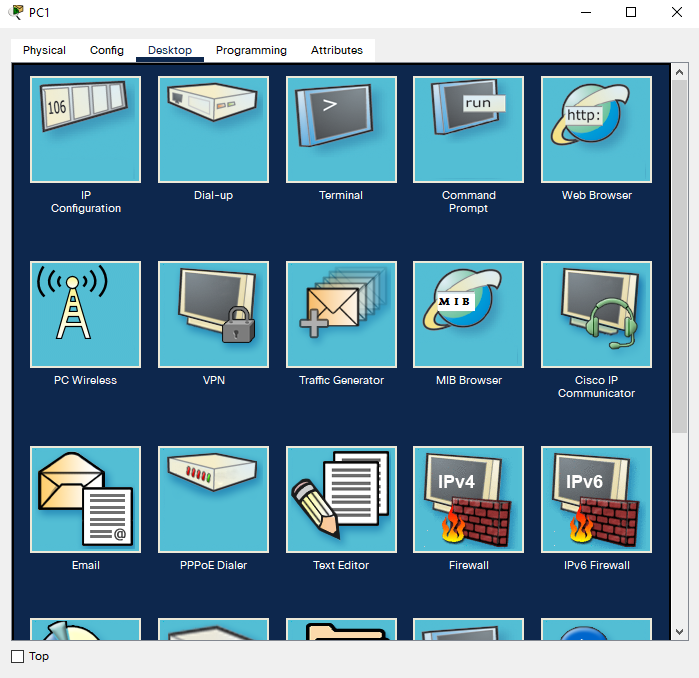
The terminal configuration settings. Leave as default and click ok.

From here we can configure the router.

En - short for enable. Hit the tab key for the full command.

Conf t - short for configure terminal. You can configure the device from a few ways, this demonstration here configure ? from the terminal.

Change hostname to the desired name you prefer. In this demonstration it is just R1.

No ip domain-lookup. Tells the router not to interact with DNS servers. Also any typos will lead to (translating ... domain server) the process takes a few minutes which is annoying so it's good to disable it.
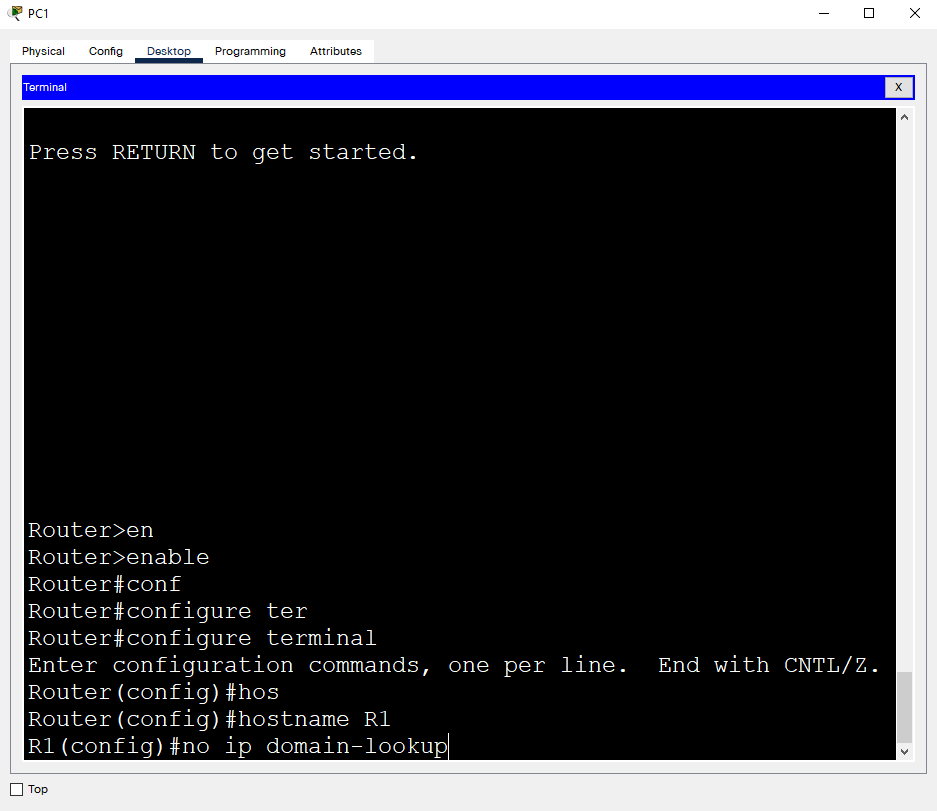
End - takes you back to privileged mode.


wr saves your configuration
wr - short for copy running-config startup-config
